Reviewing and editing generated notes
Edited
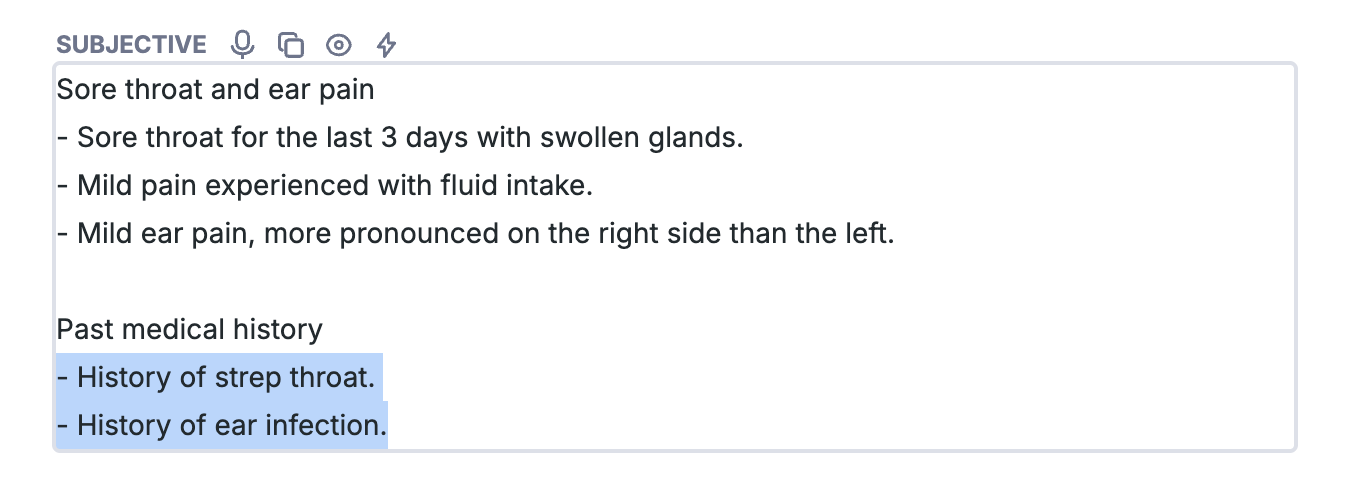
Reviewing and editing generated notes within Nabla is as simple as clicking into the section you wish to edit.
Review each section of your generated note and when edits are needed click into the section you wish to edit and manually make changes or dictate your changes.
Once finished, click out of the section and either copy each section one-by-one or copy the entirety of the note to paste into your chosen EHR.
Was this article helpful?
Sorry about that! Care to tell us more?