🎙️ Nabla Dictation - Getting Started
To start your journey with Nabla Dictation click on the icon to launch:
Once launched, the Nabla Dictation pill will appear at the bottom of the screen where users can move this freely to dictate on any document or platform:

Next, click “…” and confirm that the appropriate microphone is selected for the workstation:
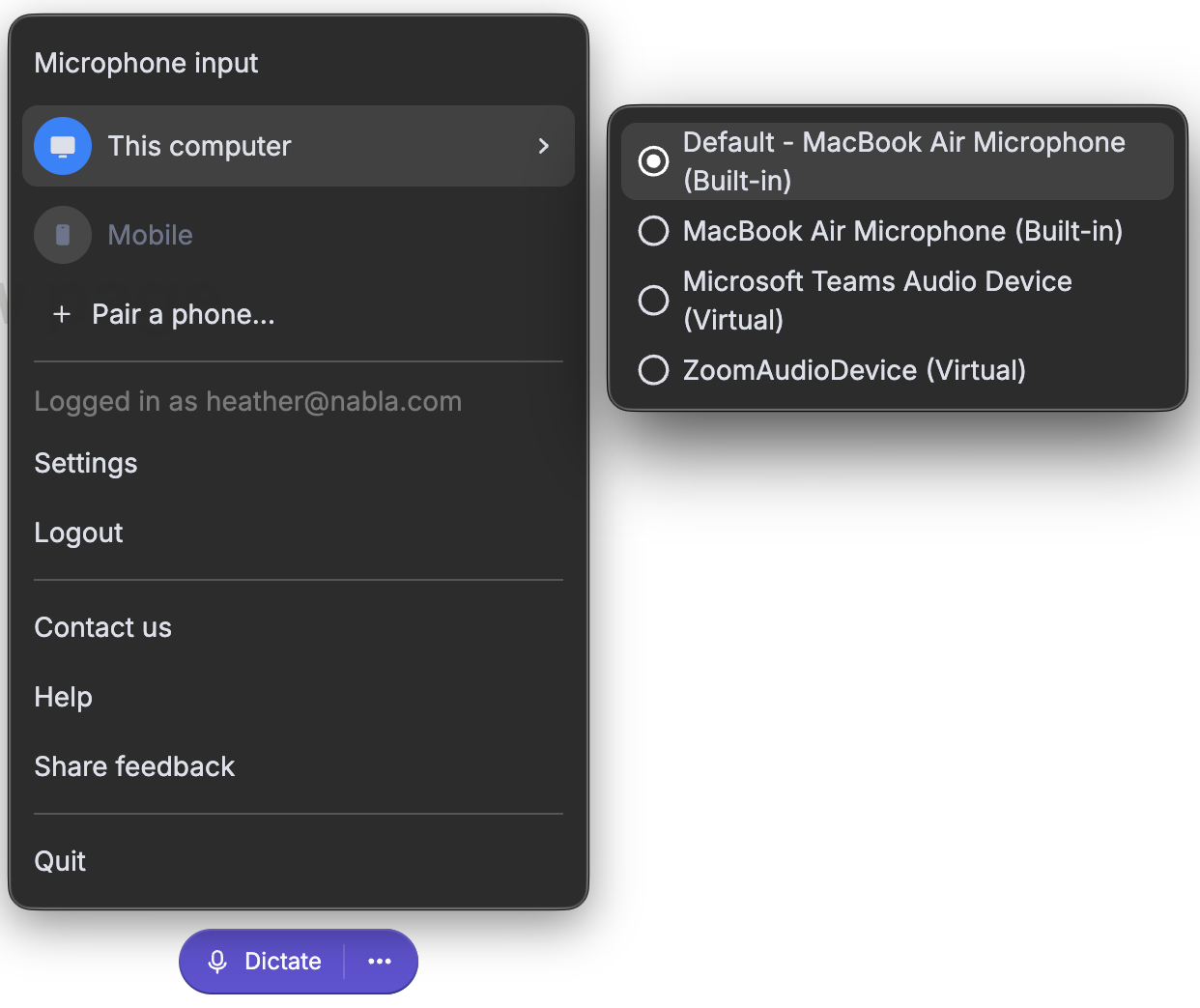
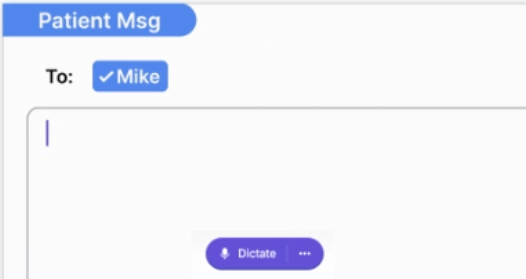
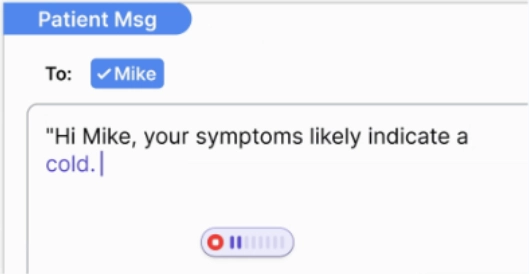
After the correct microphone has been chosen, click "..." again or anywhere on the screen outside of the menu to collapse, move the Nabla Dictation pill to sit on top of the document where content will be transcribed, and then click 'Dictate' to watch Nabla transcribe verbalized information.
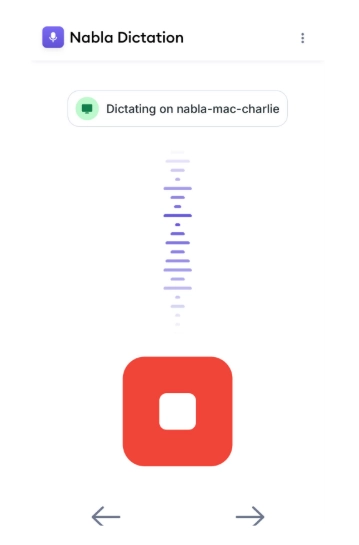
Users also have the ability to utilize the Nabla Dictation mobile app (downloaded from the iOS/Android app store):
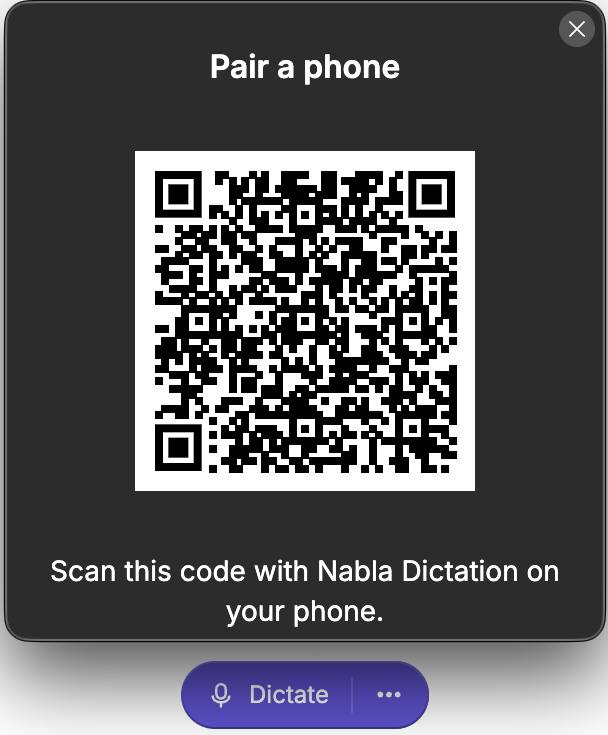
Once downloaded, launch Nabla Dictation on PC and click "..." then choose '+ Pair a phone...'
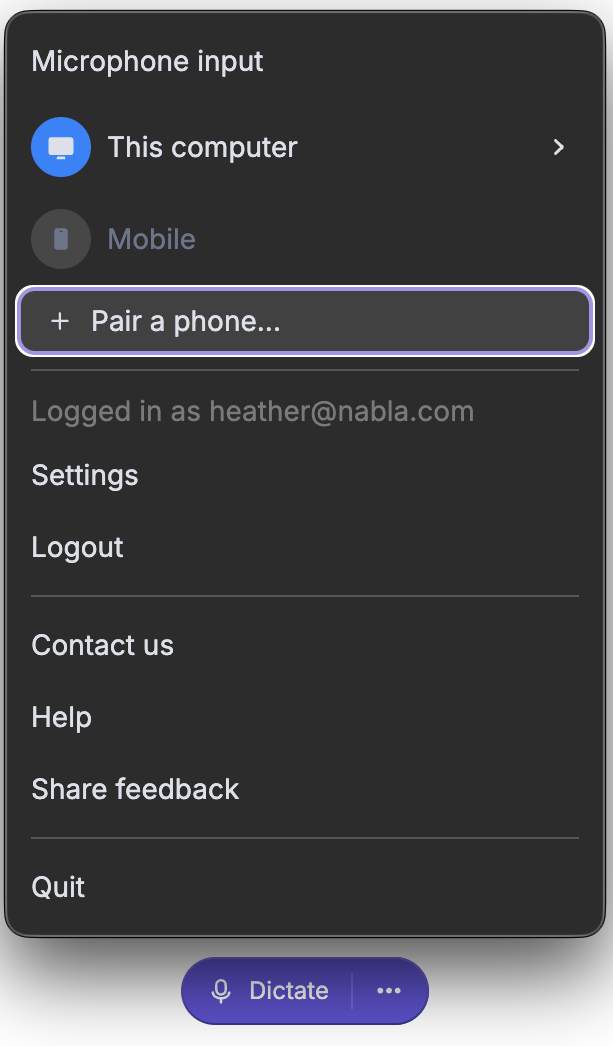
Where a QR code will appear to be scanned with the Nabla Dictation mobile app:
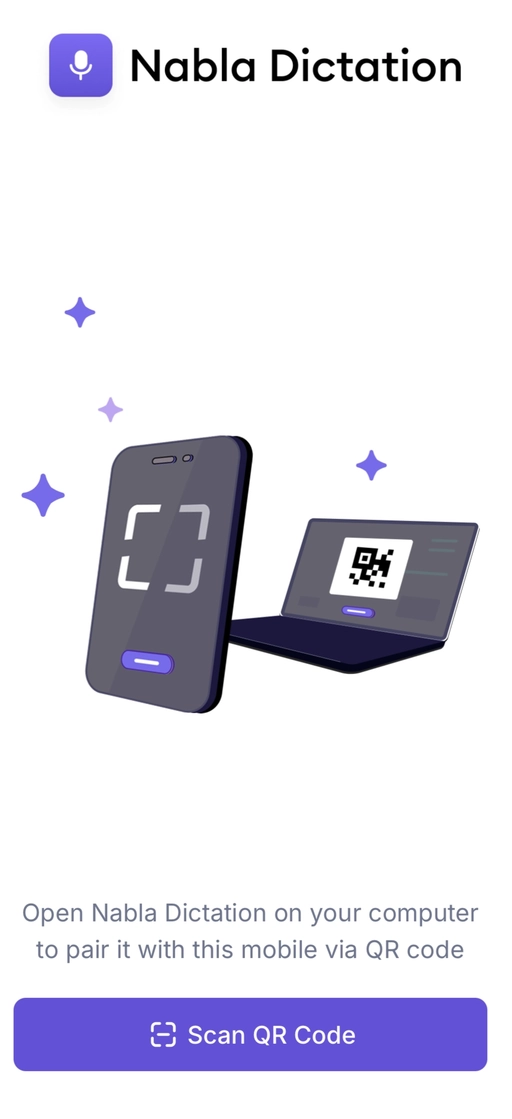
After pairing, move the Nabla Dictation pill on PC to the document where content will be transcribed, and then click the 'Microphone' icon on the Nabla Dictation mobile app to utilize the phone's microphone to dictate (best used when a PC microphone is not available):